How the double click test works
Every press and release on the pad is stamped with the browser clock. For each button the test keeps two gaps: from the previous press to this press, and from the previous release to this press. A person clicking on purpose cannot get the first gap much below 70 ms, and cannot get the second below about 30 ms. A worn switch does both easily, because the second "click" is the metal contact bouncing, not your finger.
- Double: the press came sooner after the previous press than the threshold (80 ms unless you change it).
- Chatter: the press came less than 10 ms after the previous release, the up, down, up pattern of a bouncing contact. Some people call every form of this fault chattering.
The test does not use the browser's double click event. That event fires whenever two clicks land inside the Windows double-click time, often 500 ms, so it cannot tell your own fast double click from a fault. The raw gaps can.
Reading the 50-click verdict
Pick the button, press Start and click 50 times at a calm, even pace, about two clicks a second. Do not try to click fast. The verdict counts presses flagged as double or chatter:
- 0 flags: the switch is fine at the moment. Intermittent faults come and go, so test again if the problem returns.
- 1 flag: inconclusive. One slip of the finger can do this. Run it again.
- 2 or more flags: the switch is most likely wearing out. The more flags, the further it has gone.
The timeline under the table shows the last six seconds, one lane per button. Each bar runs from press to release, and flagged presses are red. A healthy switch gives evenly spaced bars of similar length. A worn one shows a long bar with a sliver right next to it.
How to fix a mouse that double clicks
- Clean it. Unplug the mouse, hold the button down and blow short bursts of compressed air into the gap around it. Dust and grime under the button can cause false contacts. Click it 20 or 30 times hard, then test again.
- Update the firmware. Logitech G HUB, Razer Synapse, SteelSeries GG, Corsair iCUE and most other mouse apps can update the mouse. Several makers have shipped firmware that changes how clicks are filtered.
- Raise the debounce time. Many gaming mice have a debounce or click response setting in their software, for example models from Glorious, Pulsar, Lamzu and Endgame Gear. A higher value, for example 8 to 12 ms instead of 2 to 4 ms, hides early chatter at the cost of a tiny delay. Logitech G HUB does not offer one for most models.
- Use the warranty. Most gaming mice carry a 2 year warranty and double clicking is a known fault. Run the 50-click check, save a screen recording of the result and send it with your request. In the EU and UK you also have statutory rights that cover faults like this.
- Replace the switch. Out of warranty, the switch can be desoldered and replaced with a new Omron, Kailh or Huano switch for a few dollars, or a contact spring can be re-tensioned. Mice with optical switches do not suffer from contact bounce, which is why many recent models use them.
The Windows double-click speed setting
Windows decides how close two clicks must be to count as a double click (Settings, Bluetooth and devices, Mouse, Additional mouse settings, Double-click speed). Moving the slider does not stop a faulty switch: the extra clicks still arrive, and dragging, selecting text and holding buttons in games still break. Leave it at your preferred value and fix the hardware. On a Mac the same setting lives under Accessibility, Pointer Control.
Before you blame the mouse
A double click can also come from software. Check that no macro or rapid-fire binding is set for the button in the mouse app, that Windows ClickLock is off (in the same mouse settings window), and that a second pointing device such as a drawing tablet is not sending clicks. If this test is clean but your game still double clicks, the cause is a setting in the game or the app, not the switch. Use the mouse test to check that every other button responds.
Questions
How do I know if my mouse is double clicking?
Click the pad above at a normal pace. Every press is timed, and any press that follows the previous one faster than the threshold (80 ms by default) is flagged in red. A healthy switch gives zero flags at a normal pace. For a firm answer, run the 50-click check and read the verdict.
What is a normal gap between two clicks?
A deliberate double click by a person is usually 100 to 250 ms from the first press to the second, and fast spam clicking rarely gets below 70 ms. A worn switch produces a second press 5 to 60 ms after the first, often with a release gap of only a few milliseconds. That gap is what this test looks for.
What is release chatter?
When a worn switch is released, its contact can bounce and close again for a moment, so the computer sees release, press, release within a few milliseconds. This test flags any press that starts less than 10 ms after the previous release, which no finger can do.
What is mouse chattering?
Chattering is another name for the same fault: the switch contact bounces and one physical click is reported as two or more. The term is common in Japan (written as chattering in katakana) and in keyboard communities. On a mouse it shows up as unwanted double clicks, dropped drags and items that open when you meant to select them.
Which threshold should I use?
Keep 80 ms for a normal check. Lower it to 40 or 50 ms if you are a very fast clicker and get flags on purpose-made clicks. Raise it to 100 or 120 ms only if you click slowly and want to catch a mild fault. Release chatter is checked at 10 ms whatever the threshold.
Can I fix a mouse that double clicks?
Often, for a while. Blow compressed air around the button, update the firmware and turn up the debounce time in the maker's software if it has one. If the fault keeps coming back, the switch is worn: use the warranty, or replace the switch if you can solder.
Does the Windows double-click speed setting cause this?
No. The Windows setting only decides how close two clicks must be to count as a double click in Windows. It does not create extra clicks. A switch that sends two clicks for one press is a hardware fault, whatever that setting is.
Why do I get a flag in the middle button or side buttons?
The same wear can hit any switch. Middle buttons wear fast in games that use them for pings or grenades. Side buttons can only be tested in Chrome and Edge, because Firefox does not pass them to web pages.
Is this test accurate?
The gaps are measured with the browser clock, which steps in 0.1 ms in Chrome and up to 1 ms in some other browsers; the page shows the step size. That is far finer than the gaps involved. The verdict is a rule of thumb based on those gaps, so repeat the check before you send a mouse back.
More tests
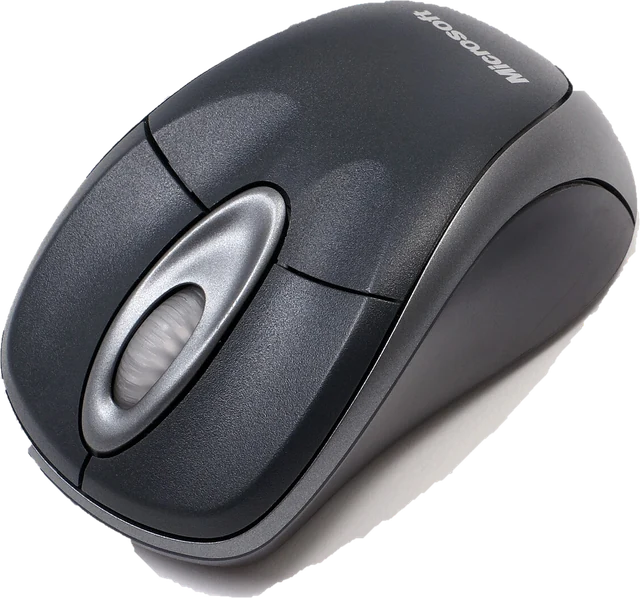 Mouse testCheck every button, side buttons and the scroll wheelPolling rate testSee the report rate your browser receives (Hz)Scroll wheel testFind a wheel that jumps or scrolls backwards
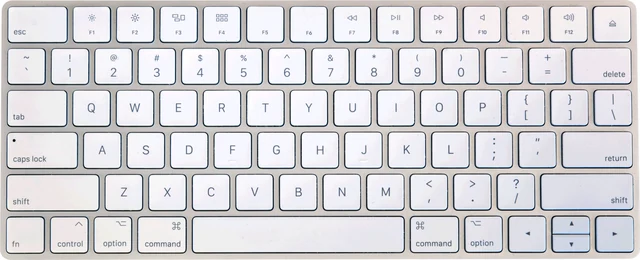 Keyboard testPress every key, with ISO, AZERTY and QWERTZ layouts
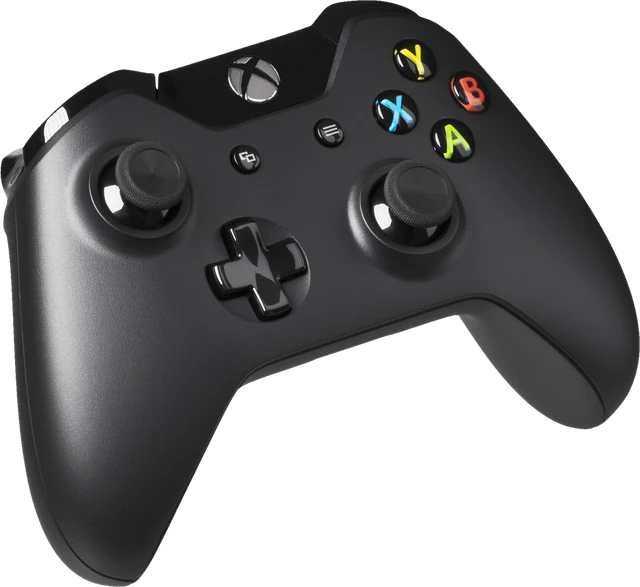 Controller testButtons, sticks, triggers and vibration for any gamepad
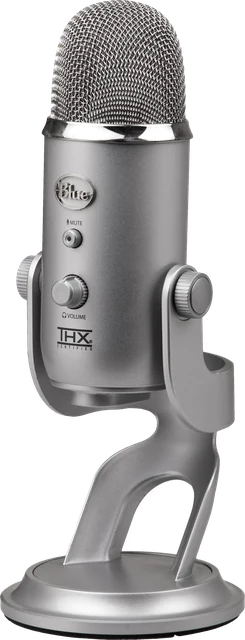 Mic testLevel, clipping, noise floor and a playback check