How the scroll wheel test works
Each time your wheel moves, the browser sends the page a wheel event with a direction, a size and a unit. The test keeps every event, counts them by direction and draws them on the trace: bars above the line are up, below the line are down. It also reads the unit first, as the browser expects, so Firefox reports clean line steps instead of smoothed pixels.
The key check is the reversal. When you scroll down steadily, every event should point down. If one event points up between two that point down, within 400 ms, the wheel sent a step you did not make. That is the jumping or stuttering scroll people notice in long web pages and in games where the wheel switches weapons. One reversal can be a slip. Two or more in a steady scroll mean the wheel is faulty.
Reading the results
Reversals
Zero reversals across 20 seconds of steady scrolling in each direction is a pass. Reversals that appear mostly in one direction, or only when you scroll slowly, are typical of a dirty encoder. Reversals in both directions at any speed point to a worn one.
Notch count
Press Start and turn the wheel down exactly 10 notches, slowly enough to feel each click. On Windows with Chrome, Edge or Firefox, a healthy wheel gives 10 events. Fewer means notches were lost (the encoder missed them), more means it sent extra ticks. On macOS, with smooth scrolling, a touchpad or a free-spin wheel, one notch is split into several events, so the count is only a rough guide there, and it is labelled Estimated for that reason.
Unit and step size
The unit shows what your browser reports: pixels (Chrome, Edge, Safari), lines (Firefox with a notched wheel) or pages (when the system is set to scroll a page at a time). The step size follows your system setting for lines per notch. On Windows the default of 3 lines gives 100 pixels per notch in Chrome. A step that changes size from one notch to the next on Windows is normal only for high resolution wheels.
How to fix a jumping scroll wheel
- Check the software first. Turn off smooth scrolling or free-spin modes in Logitech Options+, G HUB, Razer Synapse or your mouse app and test again. On Windows, check Settings, Bluetooth and devices, Mouse, and set the lines to scroll back to 3.
- Blow out the wheel. Unplug the mouse and blow short bursts of compressed air into the gaps on both sides of the wheel while you turn it. Hair and dust around the encoder cause most early jumping.
- Spin it hard. Roll the wheel fast in both directions for 30 seconds. This can wipe a thin layer of grime off the encoder contacts. Test again.
- Contact cleaner. If you can open the mouse, a drop of electrical contact cleaner (not water, not oil) into the encoder, followed by spinning the wheel, often cures it for months.
- Warranty or repair. If reversals come back, the encoder is worn. Send a screen recording of this test with a warranty claim, or replace the encoder: they are cheap parts, but swapping one needs soldering.
Wireless mice with a weak battery or a distant receiver can drop wheel events too, which shows up here as missing notches rather than reversals. Charge the mouse and move the receiver closer before you replace anything.
Check the rest of your mouse
A worn wheel often comes with a worn middle click, since they share a mechanism. Press the wheel in the mouse test, and if one click sometimes counts as two, run the double click test on the middle button.
Questions
How do I test my mouse scroll wheel?
Point at the box above and scroll down steadily for a few seconds, then up. Every wheel event is drawn on the trace and counted. If the wheel ever jumps the other way while you scroll in one direction, the test counts it as a reversal and marks it in red.
Why does my mouse scroll go up when I scroll down?
The wheel position is read by a small rotary encoder. When its contacts get dirty or worn, it misreads a notch and sends one step in the wrong direction. It usually starts with the occasional jump and gets worse. Cleaning the encoder with compressed air or contact cleaner often helps for a while; replacing the encoder or the mouse is the lasting fix.
What is a reversal in this test?
A single wheel event in the opposite direction squeezed between two events in your scrolling direction, all within 400 ms. People do not flick the wheel back for one notch mid-scroll, so this pattern is a reliable sign of an encoder fault.
How many events should one notch send?
On Windows in Chrome and Edge, one event per notch, usually 100 pixels at default settings. Firefox reports lines, usually 3 per notch. On macOS, and with touchpads, high resolution or free-spin wheels, one notch is split into several smaller events, so counting notches is only an estimate there.
Can this detect a wheel that skips?
Use the notch count: press Start and turn the wheel down exactly 10 notches, slowly. Fewer than 10 events on Windows means some notches were lost. That is a sign of a worn encoder, though turning too fast can also merge notches, so repeat it slowly.
Does the scroll test work with a touchpad?
Yes, but a touchpad has no notches. It sends a stream of small pixel steps with momentum, and the test shows a note when it sees that. The reversal check still works; the notch count does not.
Is scroll wheel tilt tested?
Yes. If your wheel tilts left and right (or you use a horizontal wheel), each sideways event is counted in the tilt stat. Some mice only send tilt when their software is installed.
Why does the page not scroll when I use the wheel in the box?
The test box catches the wheel so it can record every event without the page moving. Move the pointer outside the box to scroll the page as usual.
More tests
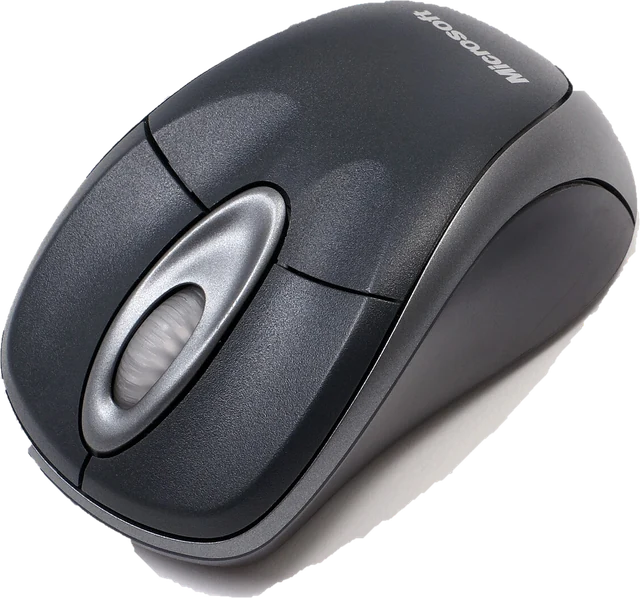 Mouse testCheck every button, side buttons and the scroll wheelDouble click testCatch a mouse that double clicks on its ownPolling rate testSee the report rate your browser receives (Hz)
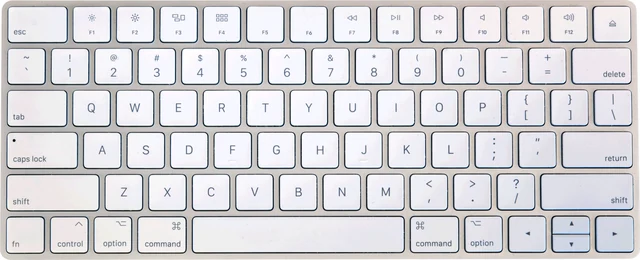 Keyboard testPress every key, with ISO, AZERTY and QWERTZ layouts
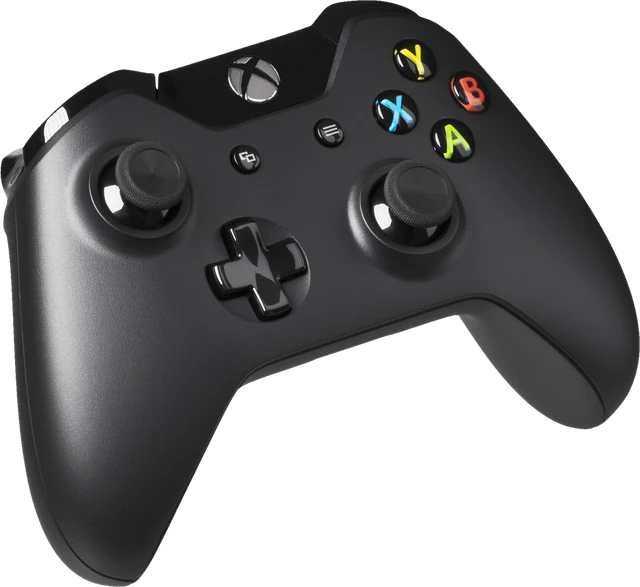 Controller testButtons, sticks, triggers and vibration for any gamepad
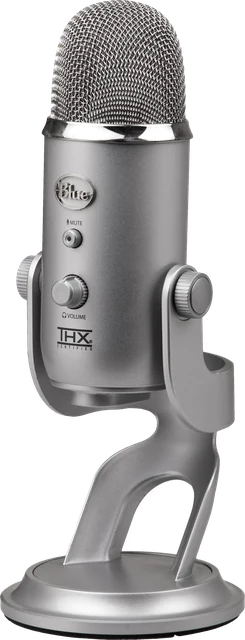 Mic testLevel, clipping, noise floor and a playback check