How to test a mouse in 20 seconds
Point at the mouse picture and press each button once: left, right, the wheel, then the two side buttons under your thumb. Scroll a few notches up and a few down, and tilt the wheel left and right if your mouse has tilt. Every part that works lights up while you hold it and stays green afterwards. The line under the table tells you what is still untested, so you know when you are done.
The table keeps a count for each part and the hold time of the last press, which is how long the button stayed down. A button that never lights is either dead or remapped. A count that jumps by two for a single press points at a worn switch that double clicks.
What each result means
A button does not light at all
First rule out software. Mouse apps such as Logitech G HUB, Razer Synapse, SteelSeries GG and Corsair iCUE can turn a button into a key, a macro or nothing at all. If the log shows a key such as Ctrl + C or F13 when you press the button, the button works and the software is remapping it. Reset the button to its default action in the app, or unplug the mouse, close the app and try again. If nothing reaches the page and no key appears, try another USB port, a fresh battery or a different computer before you decide the switch is dead.
The side buttons do nothing
Firefox does not deliver the back (X1) and forward (X2) buttons to any web page. It handles them itself, so every online mouse tester shows them as dead in Firefox, even when they work. Open this page in Chrome or Edge to test them directly. In Firefox you can still press "Detect side buttons through navigation": the page adds one entry to the history, and when your back or forward button moves through that entry, the test marks the button as working. On a Mac, side buttons often do nothing until the maker's software assigns them, because macOS has no default action for them.
One click counts as two
This is the most common mouse fault. The metal contact inside the switch wears and bounces, and the computer sees two clicks. Gamers call it double clicking, and in Japan it is known as chattering. Use the double click test to measure the gap between presses: it flags gaps too short for a human finger and gives a verdict after a 50 click run.
Scroll goes the wrong way or skips
A wheel that jumps up for a moment while you scroll down has a dirty or worn encoder. One wrong tick in this table is easy to miss, so run the scroll wheel test, which records every wheel event and counts each reversal.
What a browser can and cannot see
A web page sees the buttons your operating system reports: left, right, middle, back and forward, plus the wheel and wheel tilt. Extra buttons on MMO mice, DPI buttons and profile switches are handled by the mouse or its software and do not reach the browser as mouse buttons. If you map them to keys, the log shows the keys.
Hold times are timed with the browser clock, which is rounded on purpose to protect privacy. The step size is shown next to the table, usually 0.1 ms in Chrome and up to 1 ms in other browsers. That is fine for hold times, which are tens or hundreds of milliseconds. It is not enough to measure click latency, and no website can do that: the browser never learns when the switch closed, only when the operating system passed the click on. Sites that print a mouse latency figure from a web page are showing something else.
For the report rate your browser receives, use the polling rate test, which counts motion reports while you move the mouse in circles and shows the tier it lands on, from 125 Hz up to 8000 Hz.
Before you send a mouse back
- Test it in a second browser and on a second computer if you can. A button that fails everywhere is a hardware fault.
- Update the mouse firmware in the maker's app. Some firmware updates also add a debounce setting that hides early double clicking.
- For wireless mice, charge or replace the battery and plug the receiver into a front USB port or a short extension cable near the mouse.
- Take a short screen recording of this page showing the fault. Support teams accept it more readily than a description.
Questions
How do I test my mouse buttons online?
Point at the mouse picture above and press each button once: left, right, the wheel (middle click), and the two side buttons. Then scroll up and down. Each part lights while you hold it and turns green once it has worked, and the table counts every press.
Why are my mouse side buttons not detected?
If you use Firefox, the browser keeps the back and forward buttons to itself and never passes them to web pages, so no site can see them. Use Chrome or Edge for this test. In any browser, a side button that your mouse software remaps to a key or macro arrives as a keyboard key instead, and the log shows that key.
Will pressing the back button leave this page?
Not in Chrome, Edge or other Chromium browsers: the test box cancels the back and forward action while the pointer is inside it. Outside the box, and in Firefox, the side buttons still go back and forward as usual.
What does the hold time mean?
It is how long the button stayed down, from press to release, as timed by your browser. It shows whether a button gets stuck or releases early during a long hold. It is not latency: no website can measure how fast a click reaches the computer.
My mouse clicks twice when I press once. Is that shown here?
This page counts presses, so a jump of two in the counter for one press is a clue. The double click test measures the gap between every press and release, flags the gaps that are too short for a human, and gives a verdict after 50 clicks.
Can a website check my mouse DPI?
Not from button presses. DPI is the number of counts the sensor reports per inch of movement, and checking it needs a measured hand movement with raw input. Your mouse software (Logitech G HUB, Razer Synapse, SteelSeries GG and others) shows the DPI it has set, and the DPI button on many mice cycles through presets.
Does this mouse tester work on a phone?
The page opens on a phone, but a finger tap is not a mouse button, so most of the test needs a real mouse. Phones and tablets that accept a USB or Bluetooth mouse can run it with that mouse connected.
Why does the wheel count more than one tick per notch?
Some systems send several small scroll events per notch, for example macOS smooth scrolling, touchpads and free-spin wheels. The scroll wheel test shows each event, its size and its unit so you can tell this apart from a faulty wheel.
More tests
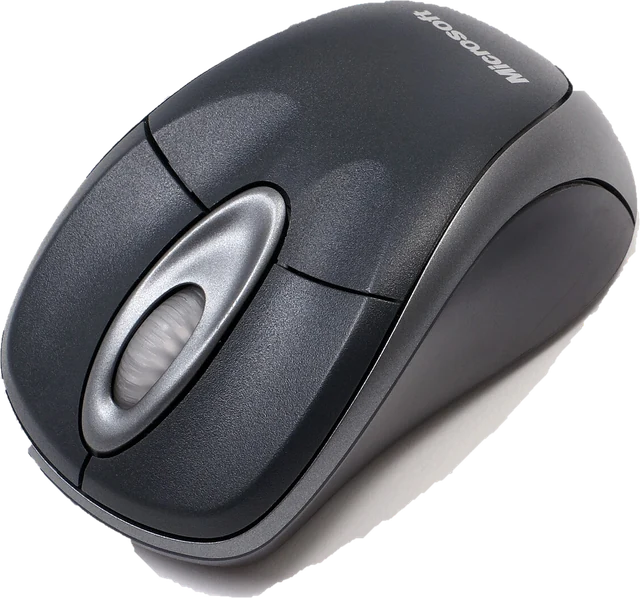 Double click testCatch a mouse that double clicks on its ownPolling rate testSee the report rate your browser receives (Hz)Scroll wheel testFind a wheel that jumps or scrolls backwards
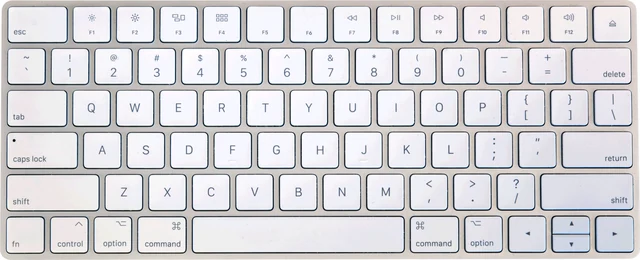 Keyboard testPress every key, with ISO, AZERTY and QWERTZ layouts
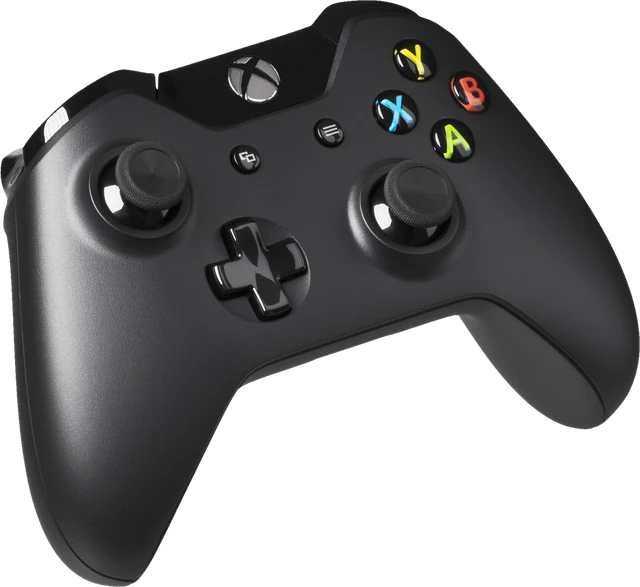 Controller testButtons, sticks, triggers and vibration for any gamepad
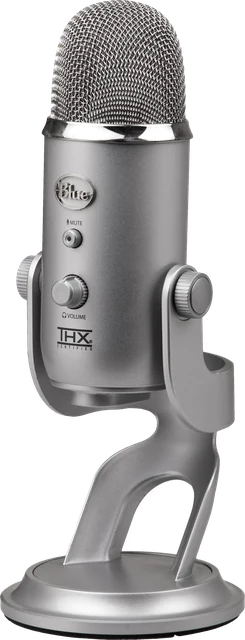 Mic testLevel, clipping, noise floor and a playback check