How to test your controller
Plug the controller in with a USB data cable or pair it over Bluetooth, click anywhere on this page, then press any button. The grey overlay disappears and the test starts. Work through it in this order:
- Buttons. Press every face button, bumper, d-pad direction, the two stick clicks and the menu buttons once. Each one should light up on the diagram, and the press counter should go up by exactly one each time.
- Sticks. Let go of both sticks. The dot should sit in the middle and the X and Y values should stay close to 0.000. Then roll each stick around its edge: the trail should trace a full circle.
- Triggers. Squeeze each trigger slowly. The bar should move smoothly from 0% to 100%, and the max value should reach 100%.
- Vibration. Try the left motor, the right motor and, on an Xbox controller in Chrome or Edge on Windows, the trigger motors.
The diagram switches to PlayStation labels (Cross, Circle, Square, Triangle, L1, R2 and so on) when the controller reports a Sony id, and to Nintendo labels for a Switch Pro Controller. If you connect more than one pad, each gets its own tab.
How to read the results
Stick values at rest
Each stick reports two numbers from -1 to 1. At rest, a new stick usually reads within 0.01 or 0.02 of zero. If a stick rests at 0.05 or more, or the dot creeps without you touching it, that is stick drift. Run the stick drift test to measure it properly: it records both sticks for 8 seconds, checks the full range of each one, and tells you which in-game dead zone hides the drift.
Trigger range
Standard controllers report the triggers as analog values from 0 to 1, shown here as 0% to 100%. The max figure keeps the highest value since you connected. A trigger that never passes about 95% may be blocked by a trigger stop, dirt or a worn sensor, and some games ignore a pull that does not reach the end.
The press counter and double inputs
Press one button ten times and check that its count in the raw table goes up by ten. If it shows eleven or twelve, the switch is bouncing and the game will see double presses. This is the controller version of a mouse that double clicks.
Mapping and the raw table
"Standard" mapping means the browser recognised the controller and put its inputs in the usual order. "Raw order" means it did not, so the labels may be wrong; the raw table still lists every button and axis the browser receives, with values to three decimals.
Controller vibration test
Most controllers have two rumble motors: a heavy one on the left for low, strong rumble and a light one on the right for a fine buzz. Xbox One and Series controllers also have small motors in the triggers. What a web page can drive depends on the browser:
| Browser | Rumble motors | Trigger motors |
|---|---|---|
| Chrome, Edge (Windows, macOS, Linux) | Yes, for most Xbox and PlayStation pads | Xbox controllers on Windows only |
| Chrome on Android | Yes, for many Bluetooth pads | No |
| Safari on Mac | Yes, recent versions | No |
| Firefox | No (off by default) | No |
| Safari on iPhone and iPad | No | No |
If the page says vibration is supported but you feel nothing, try the strongest setting, then test the controller on its console or in a game before deciding a motor has failed.
When the controller does not appear
The most common reason is simply that no button has been pressed yet: browsers hide controllers until then, so one page cannot quietly list your devices. After that, check for software that takes over the controller. Steam Input, DS4Windows and reWASD can hide the real pad or add a second, virtual Xbox controller, which shows up here as an extra tab. Charge-only USB cables are another frequent cause. A Bluetooth controller that is still paired with a console nearby may connect to the console instead of your computer.
What a browser test cannot measure
This page shows exactly what your browser receives, and that is all. It cannot measure input lag or the controller's polling rate in milliseconds: the browser checks the controller at its own pace and the page reads it once per screen refresh. It also cannot see features outside the standard gamepad interface, such as the DualSense touchpad position, motion sensors or adaptive triggers. For those, use the PS5 controller test in Chrome or Edge on a computer. Xbox owners can check trigger rumble on the Xbox controller test.
Questions
Why does my controller not show up?
Browsers hide controllers until you press a button while the page is in front, so press any button after connecting. If it still shows nothing, close Steam, DS4Windows or other remapping tools, try a different USB cable (some only charge), and use Chrome, Edge or Firefox on a computer.
How do I test controller vibration?
Connect the controller, press any button, then use the vibration buttons under the diagram. The left motor is the strong, low rumble and the right motor is the weak, buzzy one. Chrome and Edge support vibration for most Xbox and PlayStation pads; Firefox and iPhone Safari do not.
How do I know if my controller has stick drift?
Let go of both sticks and watch the X and Y values. A healthy stick rests within about 0.02 of zero. Readings above 0.05 at rest, or a dot that slowly wanders, point to drift. The stick drift test measures it over 8 seconds and tells you which dead zone to set.
What does "standard" mapping mean?
It means the browser recognised the controller and put its buttons in the usual order: button 0 is the bottom face button, 6 and 7 are the triggers, axes 0 to 3 are the two sticks. "Raw order" means the browser passes the device's own order, so the diagram may not match and you should read the raw table instead.
Can this test show my controller's input lag or polling rate?
No. A browser checks controllers at its own pace (Chrome polls them about every 4 ms) and reads them once per screen frame, so it cannot see the controller's real polling rate or input lag. Sites that print a latency in milliseconds from a web page are guessing.
Why do my triggers not reach 100%?
Check the max value next to each trigger bar after a full pull. If it stops at 90% or so, a trigger stop, a worn sensor or dirt under the trigger may be cutting the travel. Some games also need a full 100% to register, so this can explain shots that do not fire.
A button counts two presses when I press it once. What does that mean?
That is switch bounce, also called double input. The contact under the button is worn or dirty. Cleaning with isopropyl alcohol can help for a while; on a pad still under warranty, ask for a repair or replacement.
Does this work with PS5, PS4, Switch Pro and 8BitDo controllers?
Yes, in most cases. DualSense and DualShock 4 work over USB and Bluetooth in Chrome and Edge. The Switch Pro Controller works best in Chrome. 8BitDo pads behave like an Xbox controller in X-input mode. Older generic pads may appear in raw order.
Is anything sent to a server?
No. The test runs in your browser and nothing about your controller or your presses leaves your computer.
More tests
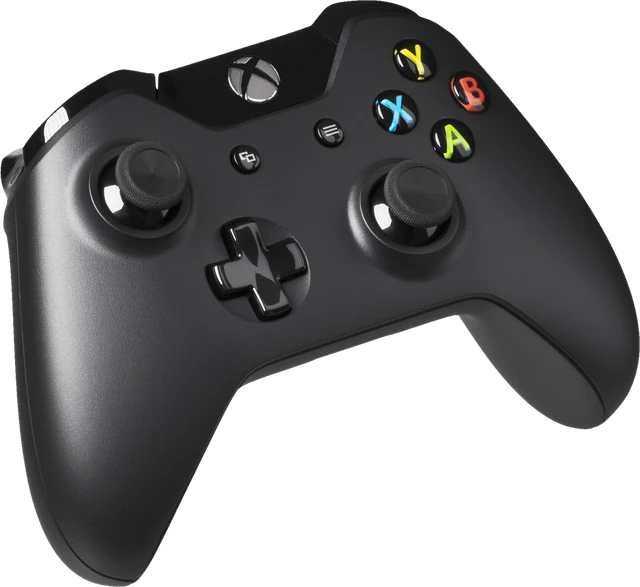 Stick drift testMeasure drift and get the dead zone to set
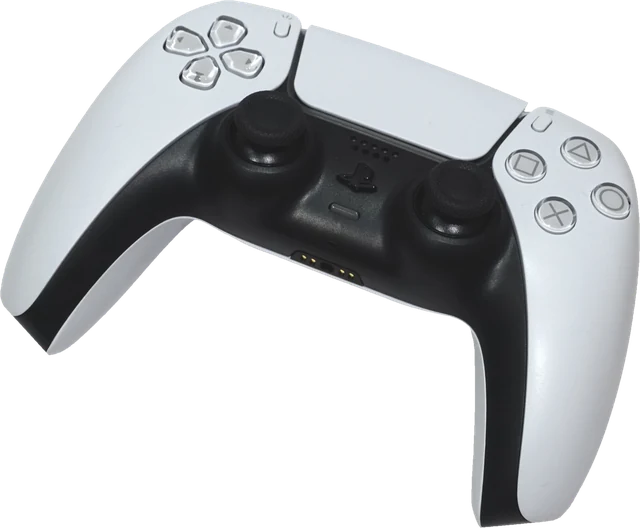 PS5 controller testDualSense buttons, sticks and triggersXbox controller testXbox pad buttons, sticks, triggers and rumble
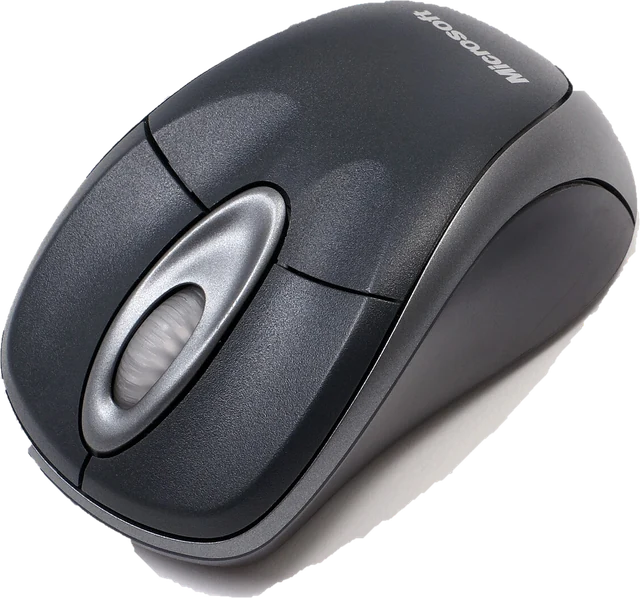 Mouse testCheck every button, side buttons and the scroll wheel
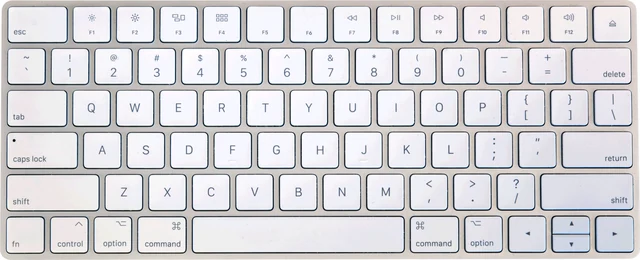 Keyboard testPress every key, with ISO, AZERTY and QWERTZ layouts
 Mic testLevel, clipping, noise floor and a playback check