How the key drop test works
While you hold a key, the keyboard keeps telling the computer that the key is down. If the signal fails for a moment, the computer sees the key go up and then come back down. Your finger never moved, but a game sees you let go of W. This test watches for exactly that pattern: a key that had been held for at least 0.2 seconds is released and pressed again within the drop window, 60 ms unless you change it. A person who lets go of a key on purpose and presses it again almost never does that so fast.
Holding a key also makes your operating system repeat it, which is why a held key types "wwwwww" in a text box. Those repeats are marked by the system, so the test draws them as small blue ticks and never counts them. The waveform shows each key as a line that goes high when pressed and low when released. A drop is a narrow notch in a high line, marked in red.
How to run it
- Click the test area so it has focus.
- Hold W for 20 to 30 seconds. While holding, wiggle the keyboard, tap the desk next to it, and if it is wired, bend the cable near both ends.
- Repeat with A, S, D, Shift and Space, or whatever you hold most in your games.
- For a wireless keyboard, run it again with your phone, a USB drive or a download running near the receiver, to see whether interference makes it worse.
If you switch windows while holding a key, the browser releases it for you. The log marks that as a focus change, not a drop.
Fixes for a wireless keyboard
- Move the receiver closer. Put the 2.4 GHz receiver on a USB extension cable or the adapter that came with the keyboard and place it on the desk, within about 20 cm of the keyboard and in direct line of sight. A receiver in a rear port behind a metal case is a common cause of drops.
- Avoid USB 3.0 ports. USB 3.0 ports, hubs and fast drives give off noise in the 2.4 GHz band. Use a USB 2.0 port for the receiver, or keep it well away from blue USB 3.0 ports and external drives.
- Free up 2.4 GHz. Move your phone, laptop and other devices to 5 GHz Wi-Fi, and keep the router off the desk if you can.
- Check the battery. Many keyboards transmit less strongly when the battery is low, and some power-saving modes cut the link for a moment. Charge it fully or fit new batteries, then test again.
- Prefer the receiver to Bluetooth. For games, a dedicated 2.4 GHz receiver is usually steadier than Bluetooth.
- Compare with a cable. If the keyboard can work wired, plug it in and run the test again. Drops that disappear with the cable point to the radio link. Drops that remain point to the keyboard itself.
Fixes when the keyboard itself drops
- Worn hot-swap sockets. Changing switches many times can loosen the socket contacts. If one key drops when you wiggle its keycap, pull the switch, check that its pins are straight, and try it in another socket. A loose socket can be replaced, but it needs soldering.
- Dirty or worn switch. Blow compressed air into the switch while pressing it. If the key also types twice, the chatter test will confirm a failing switch.
- Cable and connector. Try another cable for a keyboard with a detachable one. If drops happen when you bend the cable near the plug, the wire is breaking inside.
- Hub, dock or KVM switch. Plug the keyboard straight into the computer to rule them out.
If every key drops and the keyboard is under warranty, record the waveform and log while you hold a key and send it with your claim. To check that each key works at all, use the keyboard test.
Questions
What is a key drop?
A key drop is when you hold a key down but the computer briefly sees it released and pressed again. In a game your character stops for a moment while you hold W. It is caused by a weak wireless link, a loose switch or socket, or a damaged cable, not by your finger.
How do I test my keyboard for key drops?
Click the test area, hold a key such as W for 10 to 30 seconds, and wiggle the keyboard, tap the desk or move the cable. Try the keys you hold most in games. Any release followed by a new press within the drop window while you kept holding is counted as a drop and shown in red.
Why does holding a key show many repeats?
That is your operating system's key repeat. After a short delay it sends the held key again and again, marked as a repeat. The test draws those as small blue ticks and never counts them as drops. Only a real release followed by a real press counts.
What drop window should I use?
Keep 60 ms. When you let go of a key and press it again on purpose, the gap is almost always longer than that. A wireless dropout or a bouncing contact usually lasts a few milliseconds to a few tens of milliseconds. Raise the window to 100 or 150 ms to catch longer cuts, but then avoid tapping the key on purpose.
Why does my wireless keyboard drop keys?
Usually interference or distance. USB 3.0 ports and devices, Wi-Fi routers and other 2.4 GHz gear can drown the receiver. Move the receiver closer with a USB extension cable, keep it away from USB 3.0 ports, and charge or replace the battery. If the drops stop when the keyboard is wired, the radio link was the cause.
Can a wired keyboard drop keys?
Yes, but less often. Common causes are a loose detachable cable, a broken wire inside the cable near the plug, a worn hot-swap socket, or a dirty switch contact. Static in dry weather can also reset a keyboard for a moment. Wiggle the cable while holding a key to find a bad connection.
Is Bluetooth worse than a 2.4 GHz receiver?
For holding keys in games, usually yes. Bluetooth shares the radio with other devices and often reports less often than a dedicated 2.4 GHz receiver, so dropouts and short gaps are more common. If your keyboard has both, use the receiver or a cable for games.
Does this test measure latency or polling rate?
No. It times the events the browser receives and looks for gaps while a key is held. It does not measure how fast the keyboard is. For how many keys work at once, use the ghosting test, and to check that every key works, use the keyboard test.
More tests
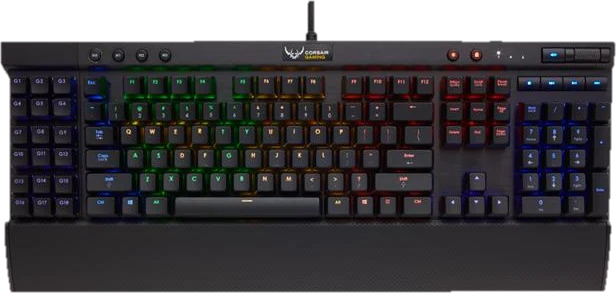 Keyboard testPress every key, with ISO, AZERTY and QWERTZ layoutsGhosting testHow many keys register at once
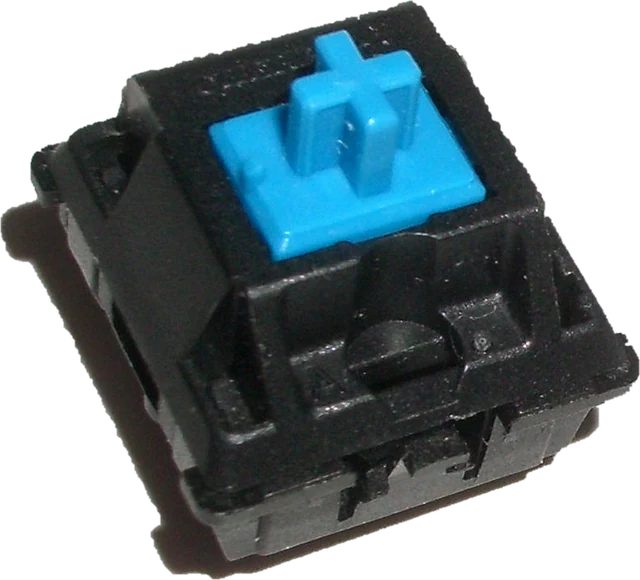 Keyboard chatter testFind keys that type twice (double typing)Keyboard latency testInput delay and jitter your browser seesKeyboard polling rate testEstimate your keyboard report rate (Hz)
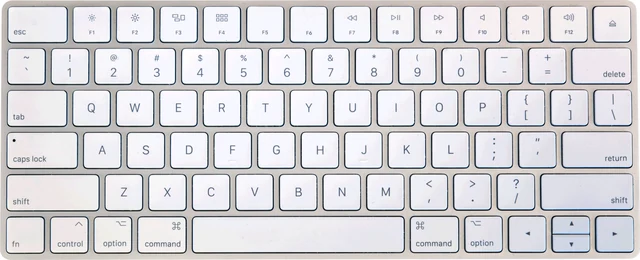 Mac keyboard testMacBook and Magic Keyboard, every key