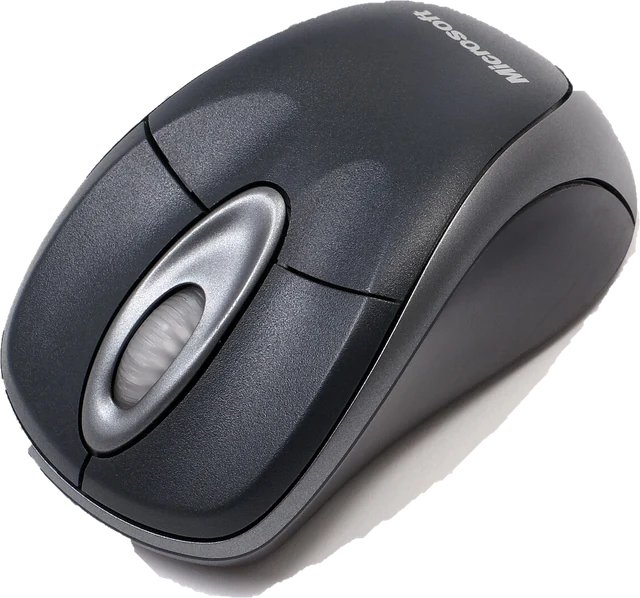
Two tests in one box
Right click check. Press the right button once inside the box. If the browser receives it, the button check turns green and counts it. Left and middle clicks are counted too, so you can see at a glance which buttons work. If left clicks register but right clicks never do, the problem is the right button, its switch or a setting, not the browser.
Right click CPS test. Your first right click starts the timer. Keep right clicking until time runs out, and you get your right clicks per second, your fastest single second, a rank, and a chart of your speed through the run. Your best is saved in this browser for each length.
How right click speed compares
Most people are slower on the right button. The middle finger is usually less practiced than the index finger, and on some mice the right switch sits under a stiffer or longer button. That is why this test keeps its own best scores instead of mixing them with left click scores. For your left click speed, use the CPS test; for the classic 10 second format, the Kohi click test.
Right click speed matters in a few games. In Minecraft, for example, right click places blocks and uses items, so fast, steady right clicking helps with bridging and building. If you practice, keep sessions short and stop if your hand or forearm hurts.
If your right click is not working
- Try another surface or device. Test the touchpad or a second mouse. If they work, the fault is in this mouse.
- Check your settings. Windows and macOS can swap the primary and secondary buttons, and mouse software can remap the right button to something else.
- Wireless mouse? Replace or charge the battery and move the receiver closer, for example to a front USB port.
- Clicks that double or drop point to a worn switch. The double click test catches extra clicks, and the mouse test checks every button, the side buttons and the wheel.
Questions
How do I test my right click?
Right click inside the box above. The button check shows "Right click works" as soon as the browser receives it, and counts every press. If nothing happens while left clicks show up, the right button or its switch is not registering.
What is a right click CPS test?
It counts right clicks in a fixed time, from 1 to 60 seconds, and divides by that time. The timer starts on your first right click. Left clicks do not count, so you can see your real right button speed.
What is a good right click CPS?
There is no standard, but most people right click a little slower than they left click, partly because the right button is usually pressed with the middle finger. Compare your score with your own left click score in the CPS test rather than with other people.
Why does my right click not work?
Check another mouse or the touchpad first. If right click fails only on this mouse, the switch may be worn or dirty. If it fails everywhere, check that the buttons are not swapped in your system mouse settings and that no app is remapping them. A wireless mouse with a weak battery can also drop clicks.
Why does my right click open the menu twice or act like a double click?
A worn switch can bounce and send two clicks for one press. Run the double click test, which watches all buttons for clicks that arrive too close together.
Can I right click on a touchpad or a Mac?
Yes. A two finger click or tap usually acts as a right click on touchpads, and Ctrl plus click counts as a right click on a Mac. Both work in this test. Touch screens have no right button, so on a phone use a mouse or try the regular CPS test.
Does the context menu open during the test?
Not inside the box. The page stops the menu there so you can click freely. Outside the box, right click works as normal.
More tests
 CPS testClicks per second in 1, 5, 10 or 60 seconds
 Reaction time testHow fast you react, in milliseconds
 Spacebar counterHow fast can you press the space bar
 F1 reaction time testFive red lights, then go: your start reaction in msKohi click testThe classic 10 second CPS testSpacebar click testSpace bar presses per second, 1 to 60 seconds