A no signal screen for pranks, streams and props
Everyone knows the look: a TV with nothing plugged in, showing color bars or a blue screen and a small box that says No signal. This page recreates it in full screen on any monitor, laptop or TV. Use it as a stream break screen, a retro backdrop for a video or party, a prop on a film set, or a quiet prank on someone who thinks their monitor cable just fell out.
The no signal screen is also a well known meme, and this page works for that too: a broken TV joke, a reaction screen in a video, or a no signal screen saver on a spare monitor. It runs on a PC monitor, a laptop, a television or even a phone, since it is only a web page.
Why does my screen say no signal?
If you came here because a real monitor or TV says no signal, the screen is fine: it is simply not receiving a picture. Work through these steps in order.
- Computer monitor: check that the PC is on and awake, the cable is pushed in fully at both ends, and the monitor input matches the port (HDMI 1, HDMI 2, DisplayPort). On a desktop with a graphics card, plug the cable into the card, not the motherboard ports.
- Second monitor: press Windows key + P and choose Extend, or press Detect in Display settings. On a Mac, check System Settings, Displays.
- TV: press Input or Source and choose the HDMI port your console, cable box or streaming stick uses. Turn that device off and on, and try another HDMI cable or port.
- Projector: use the Source or Input button to select the right HDMI input, then on a laptop press Windows key + P and choose Duplicate. Long HDMI runs and cheap adapters are a common cause.
- Satellite receiver: a no signal message from the receiver itself usually points to the dish, the cable or the LNB, or to heavy rain or snow blocking the signal for a while.
If the screen shows no signal with every device and cable you try, test it with a laptop you know works. When that fails too, the input board or the screen itself may need repair.
The patterns
- SMPTE color bars: the North American test pattern. Seven 75 percent bars (gray, yellow, cyan, green, magenta, red, blue), a reversed strip below them, and the lower row with dark blue, white, purple and the near-black blocks used to set brightness.
- EBU color bars: the European version, eight full height bars from white to black.
- Blue screen: the plain blue that many TVs and VCRs showed on an empty input.
- Black screen: what most modern TVs show, with just the message box.
- TV static: the grey snow of an analog TV on an empty channel.
The color bars are drawn to fill your screen at any size, so they stay sharp on a 1920 x 1080 monitor or a 4K TV instead of being a stretched image. That makes the page a simple online test pattern generator for SMPTE and EBU bars, the rainbow screen many people remember. Picture test cards, such as the famous British one with a girl and a clown, are copyrighted images and are not included.
The box can bounce slowly around the screen, sit still in the center, or hide. Change its text in Box text and the second line in Input. "Be right back" and "Stream starting soon" work well for live streams.
TV static screen
Before digital TV, a set tuned to a channel with no station showed static: moving grey snow with a soft hiss. Choose TV static in Pattern for the same look in full screen. It works as a retro backdrop for a video or a party, a horror movie prop, a stream break screen, or simply as a calm, moving screen. Press Static sound for the hiss; it starts off, it stops when you pause or switch tabs, and the volume slider sets the level. Set Box to Hidden for static without the message.
It looks like a vintage CRT TV or a VHS player with no tape: noise that fills the whole screen, close up or from across the room. Because the box text is free, you can also write the message in another language, for example 无信号, which is no signal in Chinese.
The static is drawn in your browser as fine grain at mid grey. It changes many times a second, the way real static does, but the overall brightness of the screen stays the same, so it never flashes bright and dark. If moving grain is uncomfortable for you, press Pause to freeze it.
The 1 kHz test tone
Broadcasters played a steady 1 kHz tone with the bars so every link in the chain could check its audio level. Press Test tone to add it. It is off when the page opens, and it stops by itself when you pause or switch tabs. The tone is loud and piercing at full volume, so start low.
How to put it on a TV
- Chromecast or Google TV: in Chrome, open the menu, choose Cast, then Cast tab, and press Full screen.
- AirPlay: mirror a Mac, iPhone or iPad to an Apple TV or an AirPlay TV.
- HDMI: connect a laptop, move this window to the TV and press F.
- TV browser: open the page in the smart TV browser and choose Full screen.
For a convincing prank, hide the browser bars with full screen, and on a laptop turn the brightness up so the bars look like a real test card.
Burn-in warning for OLED
Color bars are a still image with hard edges, the kind of picture that can leave a mark on an OLED TV or monitor after many hours. A few minutes is no problem. For long breaks, use the bouncing box on the black or blue screen, keep the TV pixel shift feature on, and lower the brightness. The box moves slowly and smoothly, and nothing on this page flashes.
More screens
Try the fireplace screen, a full screen flip clock, the DVD screensaver or the Matrix screen. For checking a panel properly, use the dead pixel test.
Questions
What are the colored bars on a TV with no signal?
They are color bars, a test pattern from broadcast TV. Engineers used them to line up cameras, monitors and tape machines, and stations showed them when nothing was on air. The most common version is the SMPTE pattern: seven bars on top, a thin reversed strip, and darker blocks along the bottom.
What is the beep that plays with color bars?
A steady 1 kHz tone, the line-up tone that broadcasters played with the bars to check audio levels. Press Test tone to hear it. It starts at a moderate level, so turn your volume down first and use the slider to adjust it.
Can I change the "No signal" text?
Yes. Type anything in Box text, for example "Be right back" for a stream break, and set the second line in Input, such as HDMI 1 or AV. Leave Input empty for a single line.
Can I use this to calibrate my TV?
Only roughly. The bars help you spot a wrong color mode, a missing color or very wrong brightness. The three thin blocks at the bottom right are near black, just below and just above black; on a well set TV the right one is barely visible and the left one blends into black. Real calibration needs a test disc or a meter.
How do I show the no signal screen on a TV?
Open the page in the TV browser, cast the Chrome tab to a Chromecast or Google TV, mirror a Mac or iPhone with AirPlay, or connect a laptop with HDMI. Then press Full screen.
How do I get a TV static screen?
Choose TV static in Pattern, then press Full screen. The grey snow moves like an old analog TV tuned to an empty channel. Press Static sound for the soft hiss; it is off when the page opens, and the volume slider sets its level. Set Box to Hidden for static only.
Does the TV static flash?
No. The grain changes many times a second, like real static, but it stays at mid grey with no pure black or white, so the overall brightness of the screen stays steady and never flashes bright and dark. If moving grain bothers you, press Pause to freeze it.
Why does my computer screen say no signal?
The monitor is on but gets no picture from the PC. Check that the cable is firm at both ends, that the monitor input (HDMI, DisplayPort) matches the port you used, and that the cable goes into the graphics card, not the motherboard, on a desktop with a separate card. If the PC is asleep or failed to start, press a key or restart it.
Why does my second screen say no signal?
Windows or macOS has not sent a picture to it yet. On Windows press Windows key + P and choose Extend, or open Settings, System, Display and press Detect; on a Mac open System Settings, Displays. If it still says no signal, try another cable or port, and check that a USB-C adapter or dock supports video output.
What does no signal mean on a TV screen?
The TV is on, but the input it is set to has nothing sending a picture. Press Input or Source on the remote and pick the HDMI port your device is plugged into, then make sure that device is switched on. Many TVs show this as a blue or black screen with a small No signal box, which is the look this page imitates.
Why does my screen go black and say no signal?
Usually the computer stopped sending a picture: it went to sleep, the graphics driver restarted, or a loose cable lost contact for a moment. Reseat or replace the cable, update the graphics driver, and if it only happens in games, lower the refresh rate or resolution to one the screen supports.
What causes static on a TV screen?
Grey static, or snow, appears when the TV is on an antenna or cable channel with no station to receive, so it shows random noise. Switch the input to HDMI if you meant to watch a device, check the coax cable, or run a channel scan in the TV settings. The steps are the same on Samsung, LG, Sony, TCL, Vizio, Insignia and Roku TVs.
Why does my LG or Samsung TV show static when I turn it on or stream?
Static on startup usually means the TV opens on its Live TV or antenna input with no channels tuned; change the input, or set the TV to start on the home screen or last input. Sparkles or static while streaming are not reception: try a different HDMI cable and port, update the TV software and run the built-in picture test. If the TV menus show the static too, the panel needs repair.
How do I make a static TV screen in Photoshop?
Fill a layer with mid grey, then use Filter, Noise, Add Noise with Gaussian and Monochromatic ticked at a high amount. A slight horizontal motion blur makes it look more like an old CRT. For moving static, record this page with TV static selected instead.
Can I download the no signal screen as a GIF or video?
There is no download: the screen is drawn live in your browser. For a still PNG, take a screenshot in full screen. For video, record the screen, or in OBS add a Browser source with this page as a stream break screen.
Can color bars burn in an OLED TV?
Yes, if they stay on for many hours. Color bars are a still image with sharp edges. Use them for minutes, not all day, and choose the bouncing box or the blue screen for long breaks.
More tests
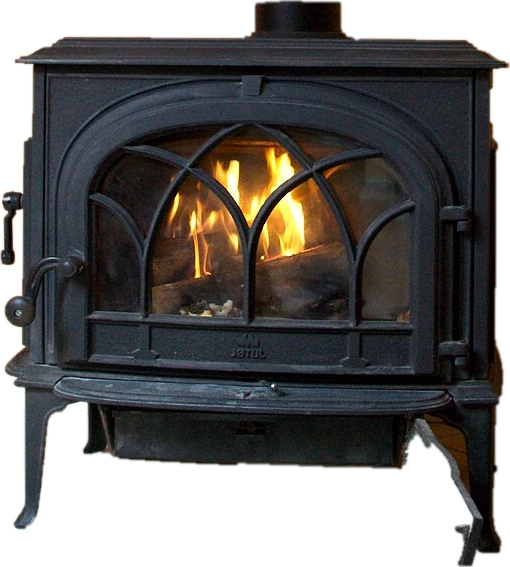 Fireplace screenA crackling fire for your TV or monitor
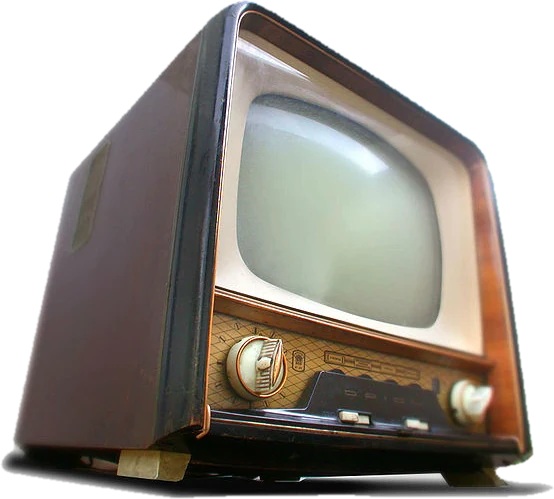 DVD screensaverThe bouncing DVD logo, will it hit the corner?
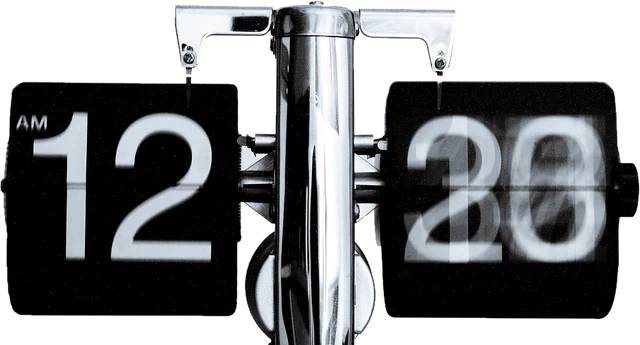 Flip clockFull screen flip clock
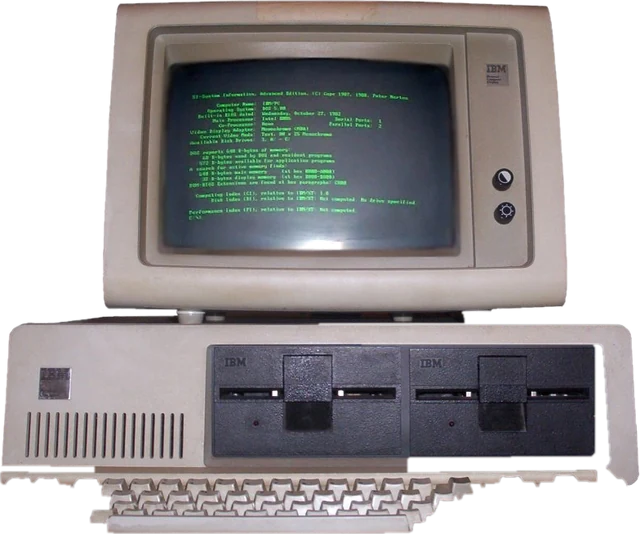 Matrix screenFalling green code, full screenHacker typerType anything, look like a movie hacker
 AI agent screenA fake AI agent busy coding, with a token counter