How the chatter test works
This keyboard chatter test runs online in your browser, with nothing to install. Every key press is stamped with the browser clock, per physical key. When the same key is pressed again, the test measures the gap from the first press to the second. If the gap is shorter than the threshold, the press is flagged as a suspicious double press. Auto-repeat from holding a key is marked as repeat by your system and is never counted, so only real presses from the keyboard are timed.
Why 40 ms? Pressing one key twice with one finger takes most people 80 ms or more, and fast typists hitting a double letter such as the two L's in "hello" stay above about 70 ms. A bouncing switch contact sends its extra press 5 to 30 ms after the real one. Anything far under what a finger can do is the switch, not you. Every gap is kept, so if you move the threshold slider, the whole session is scored again.
Which mode to use
- Type normally finds the keys that chatter in real use. Press Start and type for one minute: an email, a paragraph from this page, anything. The table lists every key you used, with the flagged ones on top.
- Hammer one key confirms a suspect. Press the key you want to check and keep pressing it 50 times with one finger, at any speed you like. Chatter that only shows up now and then has 50 chances to appear.
Run the typing minute first, then hammer each key it flagged. Intermittent chatter comes and goes with temperature and humidity, so a clean run on a key you know is faulty is worth repeating later.
Reading the result
Each row shows how many times you pressed the key, how many of those presses were flagged, the shortest gap and the failure rate. OK means no flags. Check again means one flag, which can be a slip, such as two fingers landing on the same key. Chatters means two or more flags on the same key, which is a pattern and almost always a failing switch. The log on the right lists each suspicious press, and the typed text under the keyboard marks the letter that arrived twice.
If many different keys are flagged at once, think again before blaming every switch. A wireless keyboard with a weak signal can send a burst of repeated reports, and a macro or remapping app can add presses. Try the keyboard wired, close the remapping software and run the minute again.
How to fix keyboard chatter
- Clean the switch. Unplug the keyboard, pull the keycap if it comes off easily, and blow compressed air into the switch while pressing it down a few times. Dust and crumbs inside the switch cause a lot of chatter. Press the key 30 to 50 times, then test again.
- Use contact cleaner. If air does not help, put one drop of 99% isopropyl alcohol or a proper electrical contact cleaner into the switch stem, press it 20 times and let it dry fully before you plug the keyboard back in. Do not use ordinary WD-40, which leaves an oily film.
- Raise the debounce time. Debounce is how long the keyboard waits for a contact to settle before it sends the press. Many gaming keyboards have a debounce or "key response" setting in their app, and boards that run QMK or VIA firmware let you change it. Going from 1 to 5 ms up to 10 or 15 ms hides most chatter. Update the firmware too; several makers have fixed chatter that way.
- Swap the switch. On a hot-swap keyboard, pull the faulty switch with the switch puller and fit a new one of the same type. It takes a minute and costs very little. On a soldered board the switch has to be desoldered, so a repair shop or the warranty is the easier path.
- Use the warranty. Chatter on a keyboard less than two years old is a common warranty claim. Record this page while you hammer the key, with the flagged gaps in view, and send the clip with your request. In the EU and UK you also have legal rights for faulty goods.
When the keyboard is fine
If this test stays clean but letters still double in one app, the cause is software. A very short key repeat delay in your system settings makes a slow press repeat; on Windows look under Control Panel, Keyboard, and on a Mac under System Settings, Keyboard. Remote desktop sessions, game streaming and laggy virtual machines can also replay keys. Use the keyboard test to check that every other key responds, and the key drop test if keys cut out while you hold them.
Questions
What is keyboard chatter?
Chatter is when one press of a key reaches the computer as two or more presses, so you get doubled letters such as "thhe" or "keyy". It is caused by a switch contact that bounces or a firmware filter that is set too short. It is a hardware fault, not a typing mistake.
How do I test my keyboard for chatter?
Type normally in the box above for a minute, or pick Hammer one key and press the suspect key 50 times. The test flags any second press of the same key that arrives sooner than the threshold after the first. A healthy keyboard shows zero flags.
What threshold should I use?
Keep 40 ms. A person pressing the same key twice with one finger rarely gets below 80 ms, and fast typists doubling a letter are usually above 70 ms. Lower it to 20 or 30 ms if you get flags on purpose-made presses. Raise it toward 60 to 80 ms only to catch a mild fault while typing slowly.
Why does my keyboard type double letters?
Most often a worn or dirty switch on that key. If only one or two keys double, it is the switch. If many keys double at once, check for a wireless connection problem, a macro, or a very short key repeat delay in your system settings, since those are not chatter.
How do I fix keyboard chattering?
Clean the switch with compressed air while pressing it, then try a drop of isopropyl alcohol on an unplugged board. Raise the debounce time if your keyboard software or firmware has it. On a hot-swap board, replace the switch. If the keyboard is under warranty, record this test and claim it.
Can a new keyboard chatter?
Yes. Some switches leave the factory with a weak contact, and some keyboards ship with a very short debounce time to look fast. A new keyboard that chatters on one key is a warranty case. Update its firmware first, since several makers have fixed chatter with an update.
Do optical or magnetic switches chatter?
They do not have the metal contacts that bounce, so true chatter is rare. Doubles on those boards usually come from dust in the light path, a sensitivity or rapid trigger setting that is too aggressive, or the firmware. Check the actuation settings in the keyboard app.
Does this test count key repeat?
No. When you hold a key, your operating system sends repeat presses marked as repeats, and the test ignores them. Only real presses from the keyboard are timed, so holding a key never shows up as chatter.
More tests
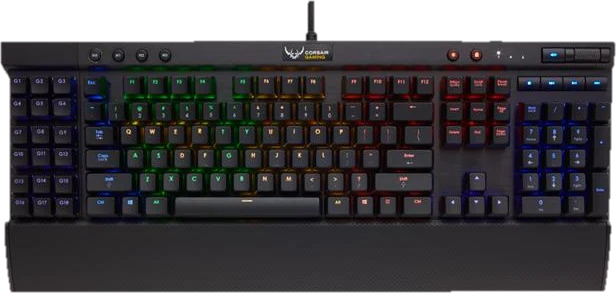 Keyboard testPress every key, with ISO, AZERTY and QWERTZ layoutsGhosting testHow many keys register at once
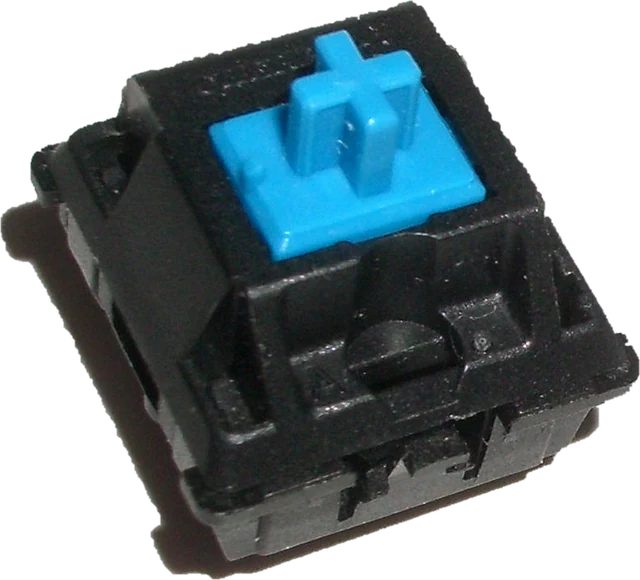 Keyboard latency testInput delay and jitter your browser seesKey drop testHold a key and catch signal dropsKeyboard polling rate testEstimate your keyboard report rate (Hz)
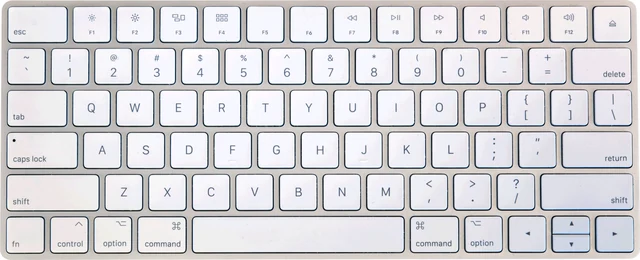 Mac keyboard testMacBook and Magic Keyboard, every key