How this ping test works
Browsers cannot send the ICMP packets that the classic ping command uses, so this test does the next best thing. It sends 32 tiny HTTPS requests to the nearest Cloudflare server, one about every 200 ms, and reads the exact moment each request left and each reply arrived from the browser's own network timing. The first 2 requests open the connection and are thrown away, because they include setup steps that have nothing to do with your ping. The other 30 give the median ping, the lowest and highest values, and jitter.
Then it measures 17 Amazon cloud regions on 6 continents, which works as a quick global ping test. It warms up each connection first and takes the median of 5 round trips. Browsers share less timing detail for other sites, so these numbers include a little server time and are labelled Estimated.
Ping, latency and jitter explained
Ping is the time for a small message to travel from your device to a server and back, in milliseconds. Latency means the same delay, so a latency test and a ping test measure the same thing. Jitter is how much ping changes from one moment to the next. This test reports it as the average difference between back-to-back samples, the same way most network tools do.
Low ping makes a game respond quickly. Low jitter makes it respond evenly. A steady 60 ms often feels better than a ping that swings between 20 and 120 ms, because the game cannot smooth over sudden jumps. That is where rubber-banding comes from.
What is a good ping?
| Ping | What it feels like |
|---|---|
| Under 20 ms | Excellent. Instant in every game. |
| 20 to 50 ms | Good for gaming, including competitive shooters. |
| 50 to 100 ms | Playable. Fine for most games, noticeable in fast shooters and fighting games. |
| Over 100 ms | Noticeable lag. Shots and moves register late. |
For jitter, under 5 ms is good and over 30 ms causes rubber-banding. Any failed requests are worth checking: they usually mean a weak Wi-Fi signal, a loose cable or a busy network.
Ping is not download speed
Download speed is how much data arrives per second. Ping is how long a single trip takes. A 1 Gbps connection can still have high ping if the server is far away or the line is congested, and a modest 50 Mbps connection can have excellent ping. Games send small packets many times a second, so they care about ping and jitter far more than speed. Video streaming is the opposite.
Packet loss test: what a browser can and cannot see
Packet loss means some packets never arrive. Games feel it as stutter, teleporting players and shots that do not count. Ordinary web requests cannot show it, because browser connections quietly resend lost packets, so this page counts requests that failed or took over 2 seconds instead. For a proper measurement, run the packet loss test, which sends UDP packets through a Cloudflare relay and counts every lost one, or run the ping or pathping command shown above for 100 packets. Anything above 0% on a wired connection is worth reporting to your provider.
Wi-Fi vs Ethernet
On a good signal, Wi-Fi adds only a few milliseconds. The bigger problem is consistency: walls, distance, microwaves, Bluetooth and neighbouring networks cause sudden spikes and dropped packets, which show up here as high jitter or failed requests. To use this page as a WiFi ping test, run it once on Wi-Fi and once on a cable. If the cable result is much steadier, Wi-Fi is your problem.
How to lower your ping
- Use a cable. Ethernet gives the lowest and steadiest ping. Powerline adapters are a fair second choice if a cable cannot reach.
- On Wi-Fi, use 5 GHz or 6 GHz and sit closer to the router. 2.4 GHz is slower and more crowded.
- Stop heavy uploads and streams. Cloud backups, game downloads, 4K streams and video calls on the same network all add delay. Uploads are the worst offenders.
- Turn on QoS or Smart Queue in your router settings, if it has it. It keeps game traffic fast while the rest of the household downloads.
- Pick the nearest server or region in your game. Use the cloud region list above to see which region is closest to you.
- Restart the router if ping is suddenly worse than usual, and update its firmware.
- Try without a VPN. A VPN usually adds delay. It only lowers ping when your provider uses a poor route.
Game server regions
Many online games host their servers in big cloud regions such as N. Virginia in the eastern US, Frankfurt in Europe and Singapore in Asia, or in their own data centers in the same cities. Your in-game ping depends mostly on the distance to that server, so a region far from you will always read high, whatever your connection. If your game lets you pick a region, choose the one with the lowest ping in the list above.
Valorant ping test, League of Legends and other games
For a Valorant (Valo) ping test, run this test and read the cloud region closest to the server you play on. Valorant has servers in many of the same cities, such as Frankfurt, London, Mumbai, Singapore, Tokyo and Sydney. Players in India can use the Mumbai row as a close guide to their ping on the Valorant Mumbai server. To see the exact number in a match, turn on Network Round Trip Time under Settings, Video, Stats.
For a League of Legends ping test, press Ctrl+F in a LoL match to show ping and FPS in the corner. In Fortnite, turn on Net Debug Stats in the game UI settings. The same method works for Dota 2, CS2, Apex Legends, Roblox, BGMI, Warface, Final Fantasy XIV (FF14) and newer games such as Where Winds Meet: find where the server you play on is hosted, read the closest row above, then confirm with the ping the game shows. If ping is low here but high in one game, that game's server is usually far away or busy, and your connection is fine.
Jitter and packet loss on video calls
Video calls and VoIP phones suffer more from jitter and packet loss than from high ping, because late audio is simply dropped. Microsoft recommends under 30 ms jitter and under 1% packet loss for Microsoft Teams calls, and Zoom and other video call apps turn choppy past similar limits. If calls break up, run this test and the 100-packet ping command above while the problem is happening.
Why speed test sites show different numbers
Each test measures to a different server. Speed test sites pick a server in your own city, sometimes inside your provider's network, so their ping looks very low. Some report the lowest result, others the average or the result while loading the line. This test reports the median to the nearest Cloudflare server, then shows real distances to cloud regions. All of these can be right at the same time. The test works the same on any ISP and line type, from fibre and cable to DSL or ADSL broadband and mobile data, and with any provider, such as Telstra in Australia, Telus and Shaw in Canada or PLDT in the Philippines.
If ping looks good but games still feel slow, the delay may be on your desk. Check your monitor refresh rate, your mouse polling rate and your own reaction time.
Questions
What is a good ping for gaming?
Under 20 ms is excellent, 20 to 50 ms is good for any game including fast shooters, 50 to 100 ms is playable but you may notice it in competitive games, and over 100 ms causes visible lag. So a good ping test score for gaming is anything under 50 ms. Steady ping matters as much as low ping, so check jitter too.
How does an online ping test work?
A browser cannot send classic ICMP ping packets, so this test sends tiny HTTPS requests and times the round trip with the browser's own network timing data. On a warm connection that is very close to what the ping command shows, usually within a millisecond or two.
Can I run a packet loss test in the browser?
Yes, on our packet loss test page. Normal web requests resend lost packets, so this ping page only reports failed requests. The packet loss test instead sends numbered UDP packets through a Cloudflare relay with no resending, so every lost packet is counted. From a command line you can also run ping -n 100 1.1.1.1 on Windows or ping -c 100 1.1.1.1 on macOS and Linux and read the loss percentage.
How do I test if I have packet loss, and where it starts?
Ping your router first. On a Windows PC, run ipconfig and note the Default Gateway address, then run ping -n 100 followed by that address (on a Mac the router address is in the Wi-Fi details in System Settings). Loss to the router means the problem is your WiFi or LAN cable. If the router shows 0% but ping -n 100 1.1.1.1 shows loss, the problem is further out, usually with your ISP, and pathping 1.1.1.1 shows the hop where it starts.
How do I fix packet loss?
Start with the simple checks: switch from WiFi to an Ethernet cable, reseat or swap the cable, restart the router and modem, and pause large uploads. No extra program or software is needed to confirm the fix, just run the 100-packet ping again. If loss to your router is 0% but loss to the internet stays above 0% on a cable, send your ISP the ping or pathping results, because the fault is on their line.
How do I run a ping test in CMD on Windows 10 or 11?
Press the Windows key, type cmd and press Enter to open Command Prompt. Type ping google.com or ping 1.1.1.1 and press Enter. Windows sends 4 pings, shows each time in ms, then prints a summary with lost packets and the average. Add -6 for an IPv6 ping test.
What is the command for a continuous ping test?
On Windows, run ping -t 1.1.1.1 in Command Prompt. It keeps pinging until you press Ctrl+C, and Ctrl+Break shows the statistics so far without stopping. On macOS and Linux, ping 1.1.1.1 runs continuously by default until you press Ctrl+C, which then prints the packet loss.
What is TTL in a ping test?
TTL means time to live. It is a hop limit carried by every packet: each router on the way subtracts 1, and the packet is dropped at 0, which stops packets looping forever. The TTL shown in a ping reply is just the starting value (usually 64, 128 or 255) minus the hops, so it says nothing about your speed.
What is a ping test used for, and can I ping a website?
A ping test checks whether a device or website answers and how long the round trip takes. People use it to troubleshoot lag, compare WiFi with a cable and check whether a server is reachable. To ping a website, run ping followed by its address, such as ping google.com, but many sites block ping, so no reply does not always mean the site is down.
How do I do a ping test on iPhone, Android or PS5?
On an iPhone or Android phone, open this page in Safari or Chrome and press Start; it works the same as on a computer. The PS5 has no ping command, so check the ping shown inside your game, or run this test on a phone or PC on the same network and connection type. The console's own Test Internet Connection (Settings, Network, Connection Status) is useful for speed and NAT type.
What is the meaning of jitter in a speed test?
Jitter is how much your ping varies during the test, in ms. An internet or broadband speed test such as Speedtest by Ookla shows ping, jitter and, in some of its apps, packet loss side by side: ping is the typical delay and jitter is how uneven that delay is. Under 5 ms jitter is good, while over 30 ms makes games stutter and calls choppy.
How do I test jitter on my network?
Press Start on this page: the Jitter box shows the average change between back-to-back samples. For a longer check, run a continuous ping for a few minutes and watch how much the times move. To test UDP jitter and packet loss between two computers you control, run iperf3 (the current version of iperf) in server mode on one and iperf3 -u -c with the server address on the other; it reports both.
What is jitter and what is a good jitter?
Jitter is how much your ping changes from one moment to the next. This test reports the average change between back-to-back samples. Under 5 ms is good. Over 30 ms causes rubber-banding and stutter in games and choppy voice calls, even when the average ping looks fine.
Is ping the same as latency?
In everyday use, yes. Latency is the delay for data to travel across the network, and ping is the usual way to measure it: the time for a small message to go to a server and come back. A latency test and a ping test measure the same thing.
Why is my ping different here than in my game or on Speedtest?
Every test measures to a different server. Speed test sites pick a server in your city, this test measures to the nearest Cloudflare server and to cloud regions, and your game measures to its own match server. Farther servers always show higher ping. Some games also add a frame or two of processing to the number they display.
Does Wi-Fi increase ping?
A little on a good signal, a lot on a weak or busy one. Wi-Fi typically adds 1 to 5 ms, but walls, distance, other devices and neighbouring networks cause spikes and failed requests. An Ethernet cable gives the lowest and steadiest ping.
Will a VPN lower my ping?
Usually not. A VPN adds a detour through the VPN server, which adds delay. It only helps in the rare case where your internet provider takes a poor route to the game server and the VPN route happens to be shorter. Test with and without it and compare.
Does this ping test store or send my data?
No. It sends small empty requests to this site and to Amazon's public region endpoints. Like any web request they see your IP address, but nothing else is sent, no results are uploaded, and nothing is stored.
More tests
 Packet loss testReal UDP packet loss and jitter, measured through a Cloudflare relay
 Internet speed calculatorThe download and upload speed your home needs for streaming, gaming and calls
 Mouse testCheck every button, side buttons and the scroll wheel
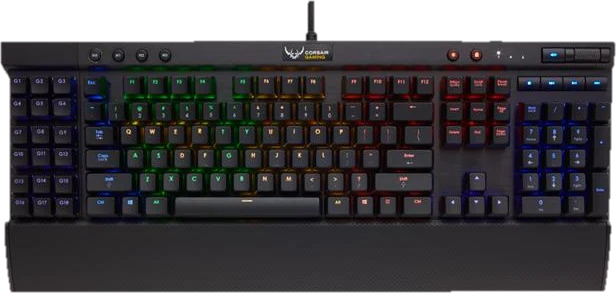 Keyboard testPress every key, with ISO, AZERTY and QWERTZ layouts
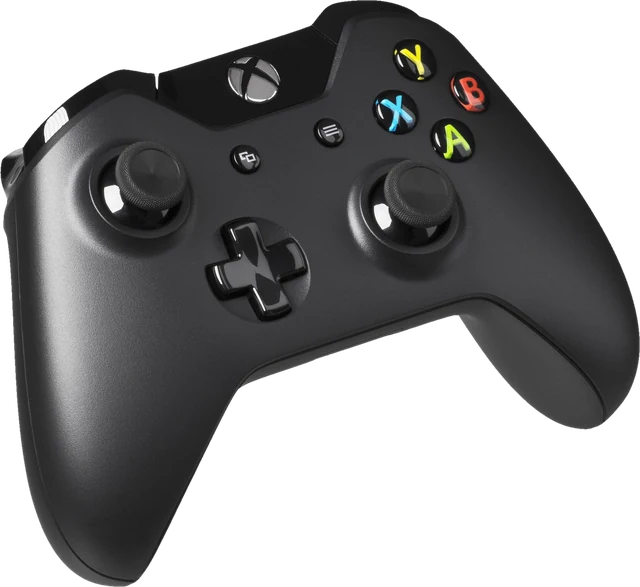 Controller testButtons, sticks, triggers and vibration for any gamepad
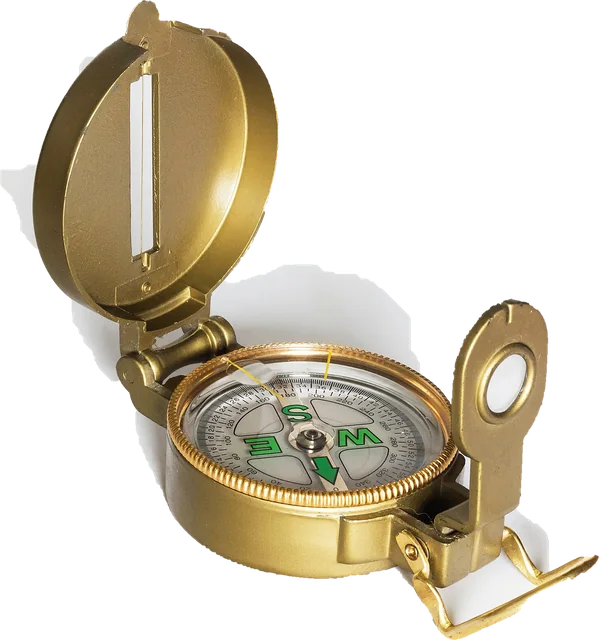 Online compassDigital compass on your phone, with true north for your location